Swirl Digital & Apple Pay

10

Apple Pay

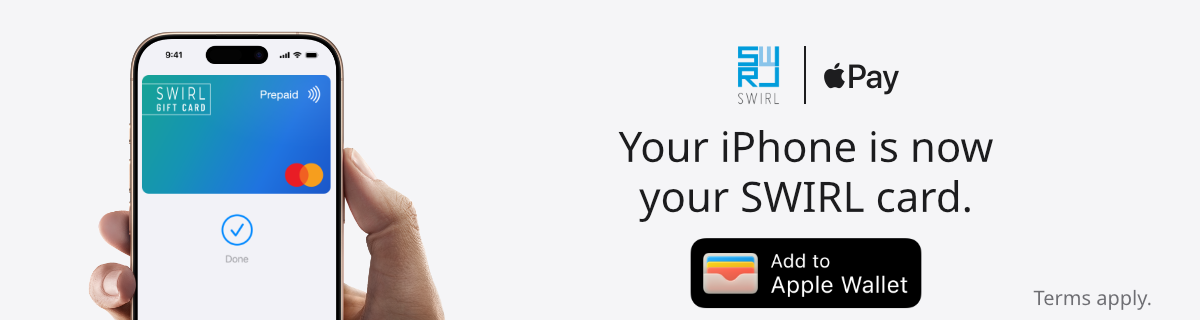
Apple Pay is an easy, secure and private way to pay — in-store, online and even in your favourite apps.

Available with your SWIRL card on your iPhone, Apple Watch, iPad and Mac.

Get Started with Apple Pay in the SWIRL App

Follow these steps to add your eligible SWIRL Digital Gift Card to Apple Wallet and start using Apple Pay.

Step 1

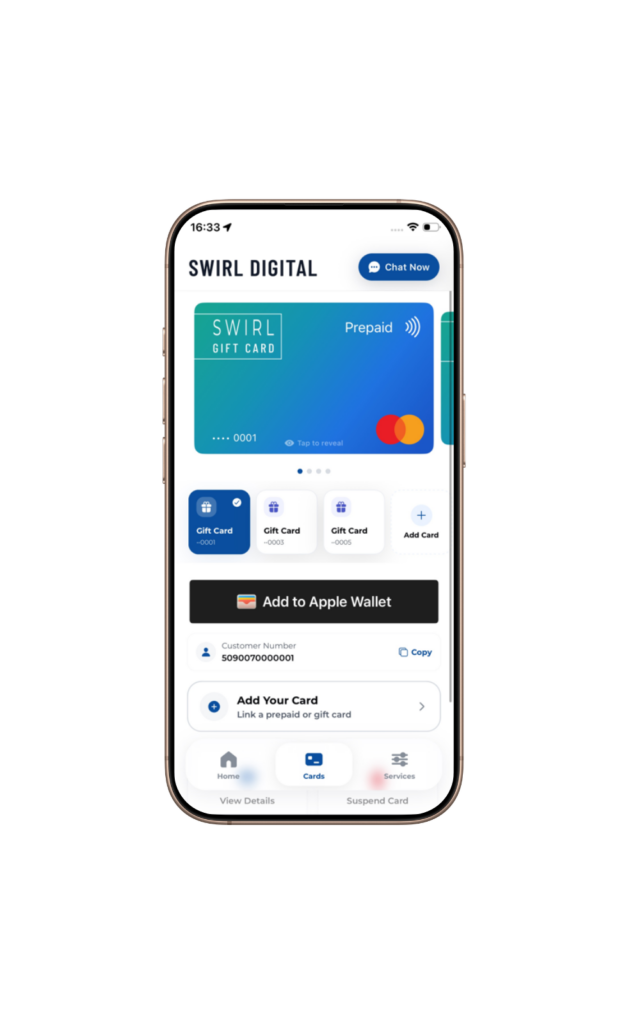
Check that your SWIRL Digital Gift Card is visible.

Step 2

Select the option to add your card to Apple Wallet.

Step 3

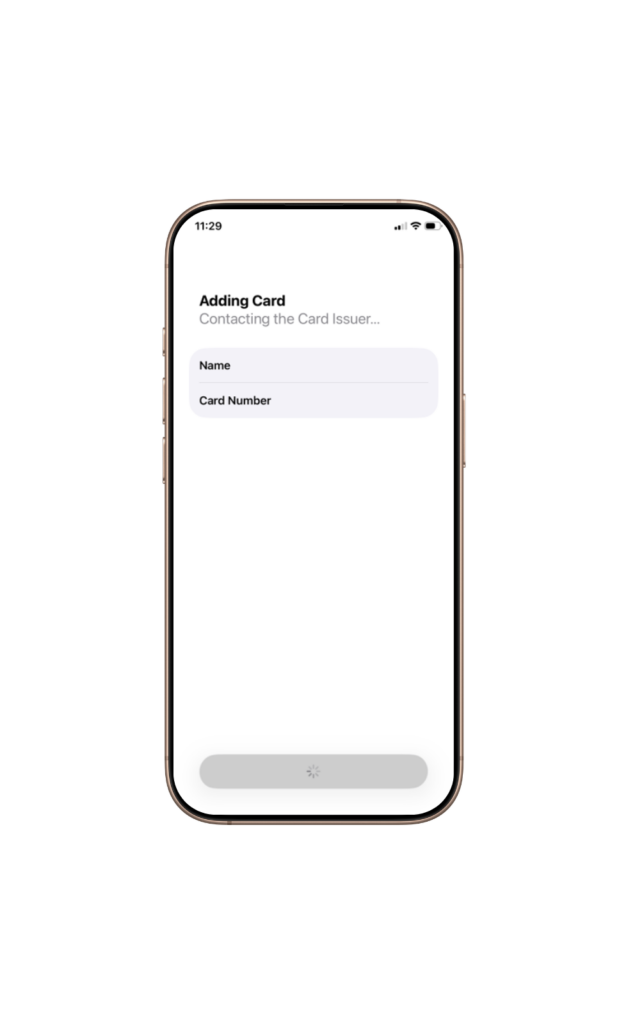
Wait while your card is added.

Step 4

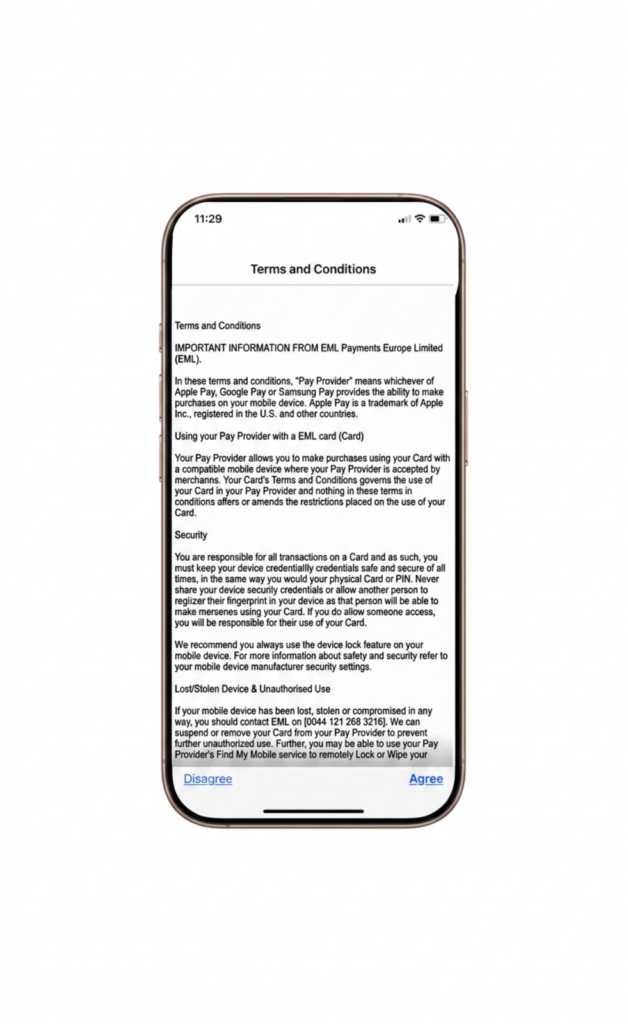
Review the terms and conditions, then tap Agree.

Step 5

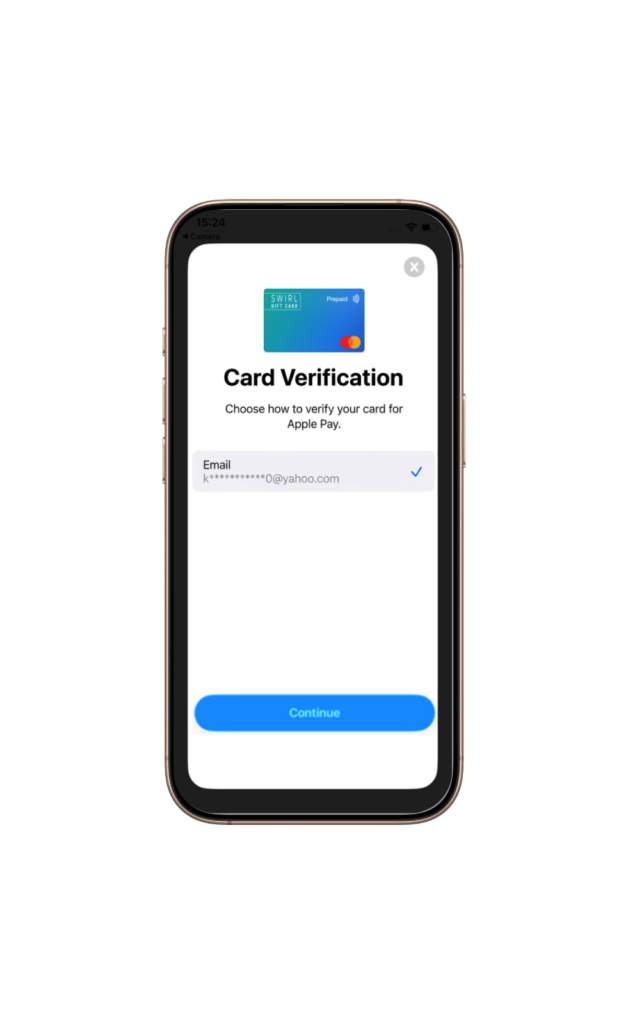
Complete the verification step shown on screen.

Step 6

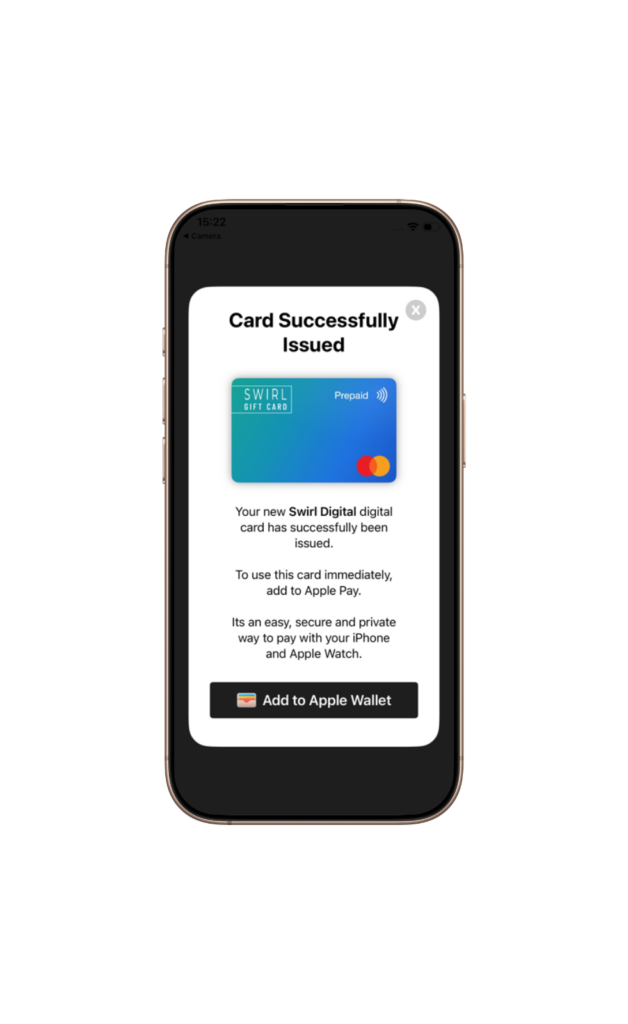
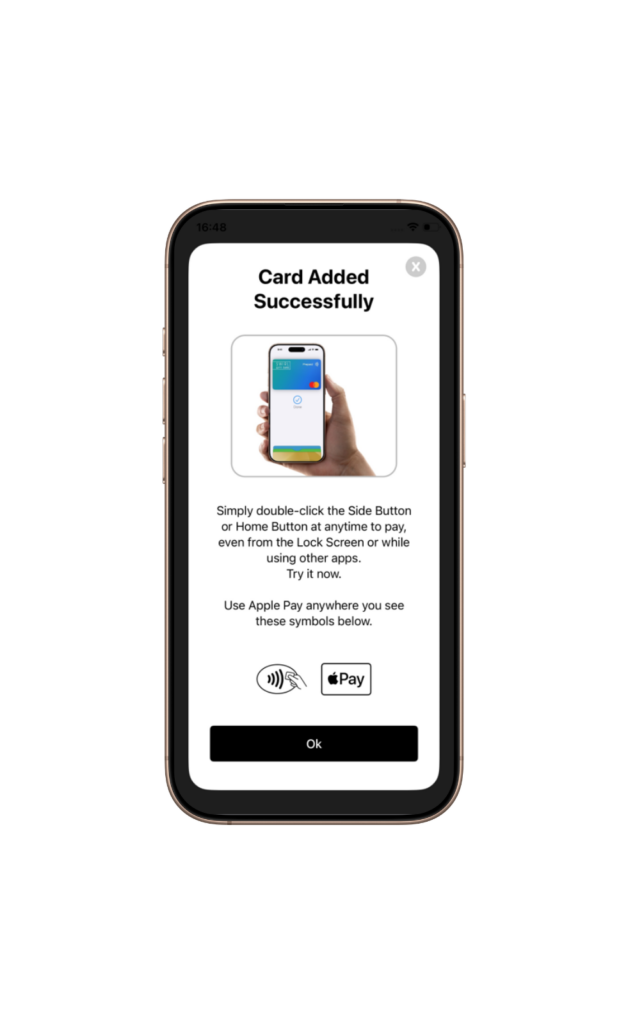
Your card is now ready to use with Apple Pay.

Why Use Apple Pay with Your SWIRL Digital Gift Card?

Shop in Person. Online. Or in Apps.

Apple Pay can be used in stores, online and in apps where Apple Pay is accepted. Look for the Apple Pay mark or contactless payment symbol at checkout.

Tap. Pay. Done.

Apple Pay makes checkout simple. When Apple Pay is available, you can pay with your SWIRL Digital Gift Card using a glance, touch or passcode.

Designed to Be Secure. So Only You Can Pay.

Apple Pay transactions require authentication through your device’s built-in security features, including Face ID, Touch ID or your passcode.

How to Pay with iPhone

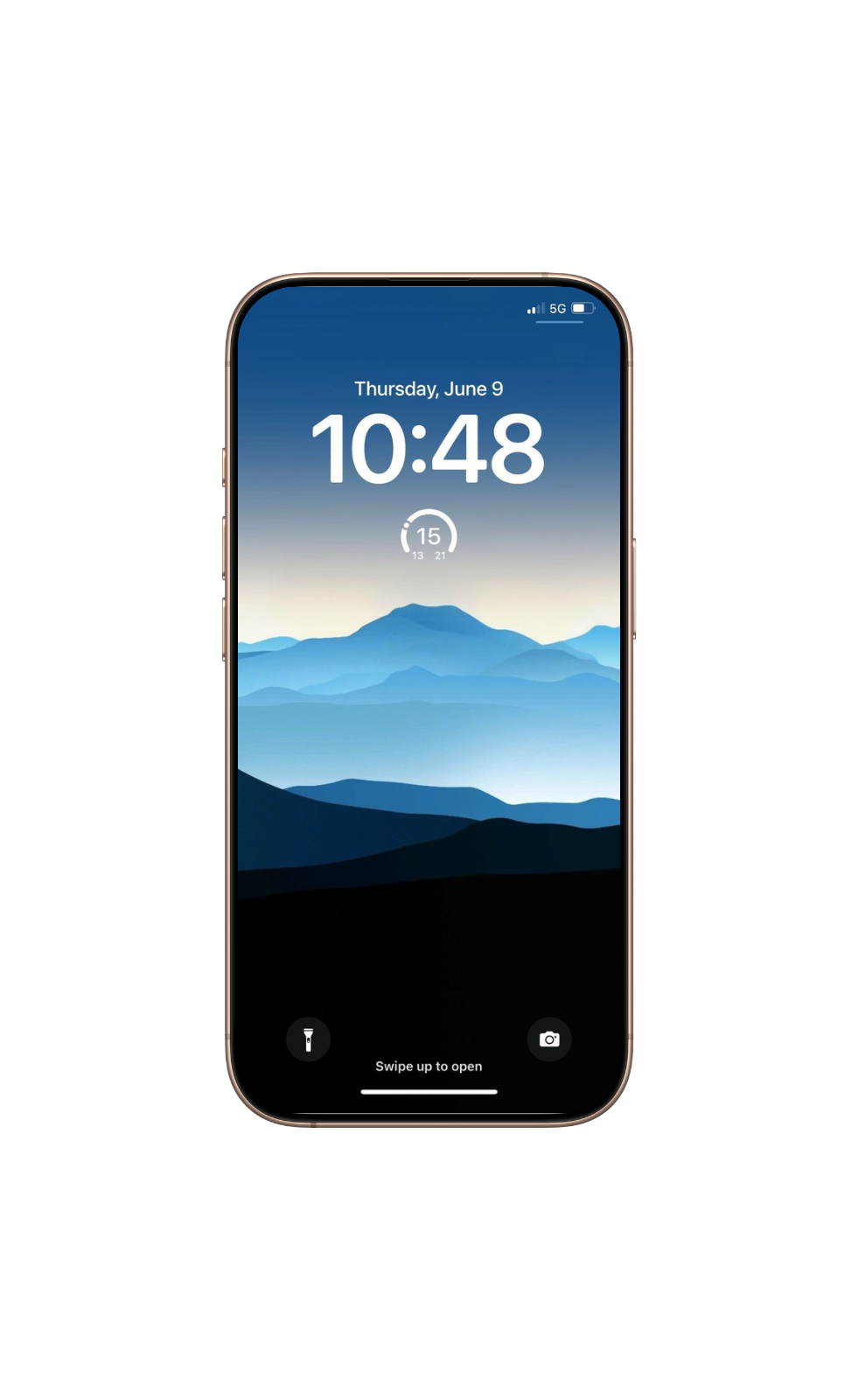
Double-click the side button on your iPhone

Step 1

To use your SWIRL card, double-click the side button on your iPhone.

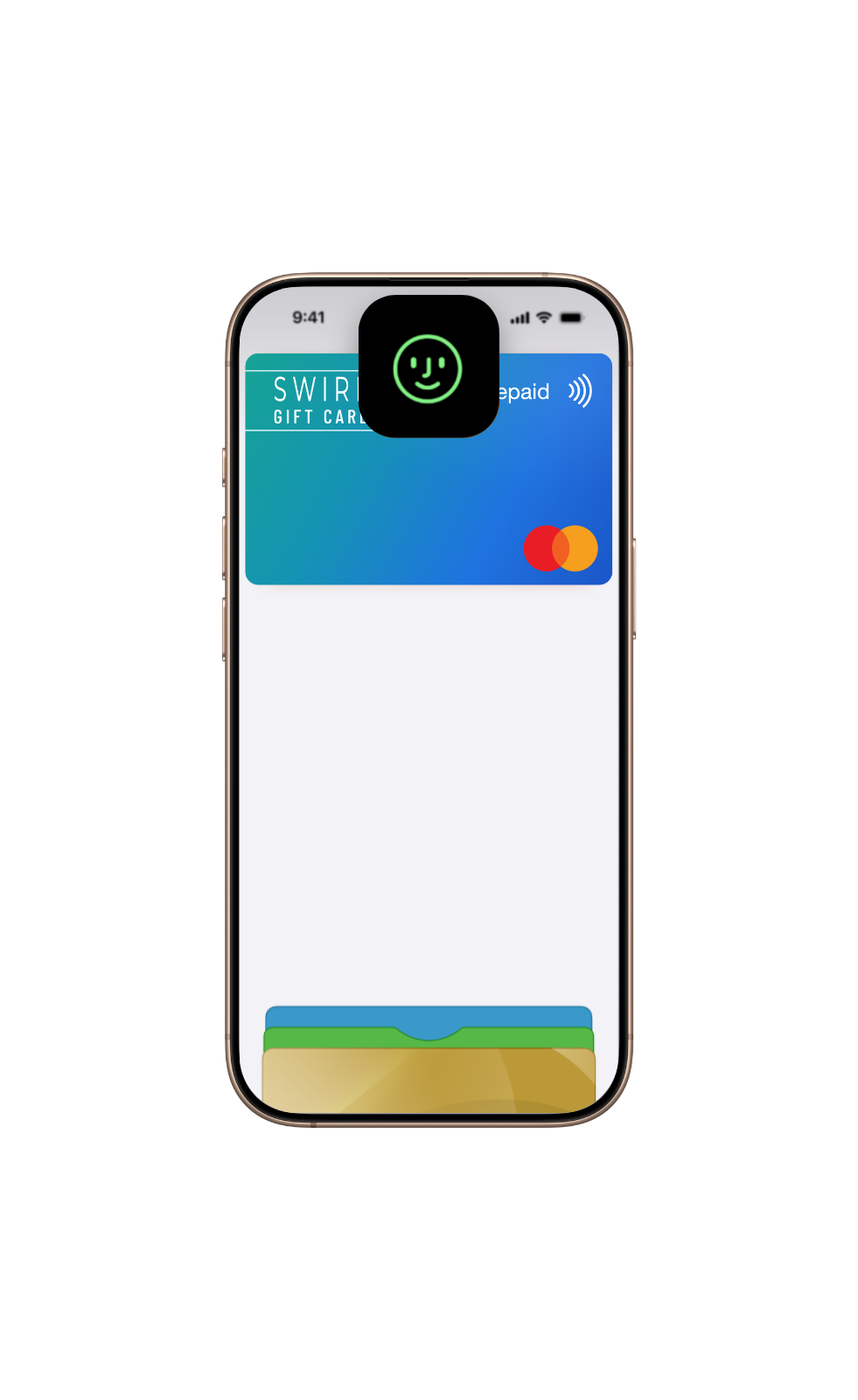
Authenticate with Face ID, Touch ID or passcode

Step 2

Authenticate with Face ID, Touch ID or your passcode.

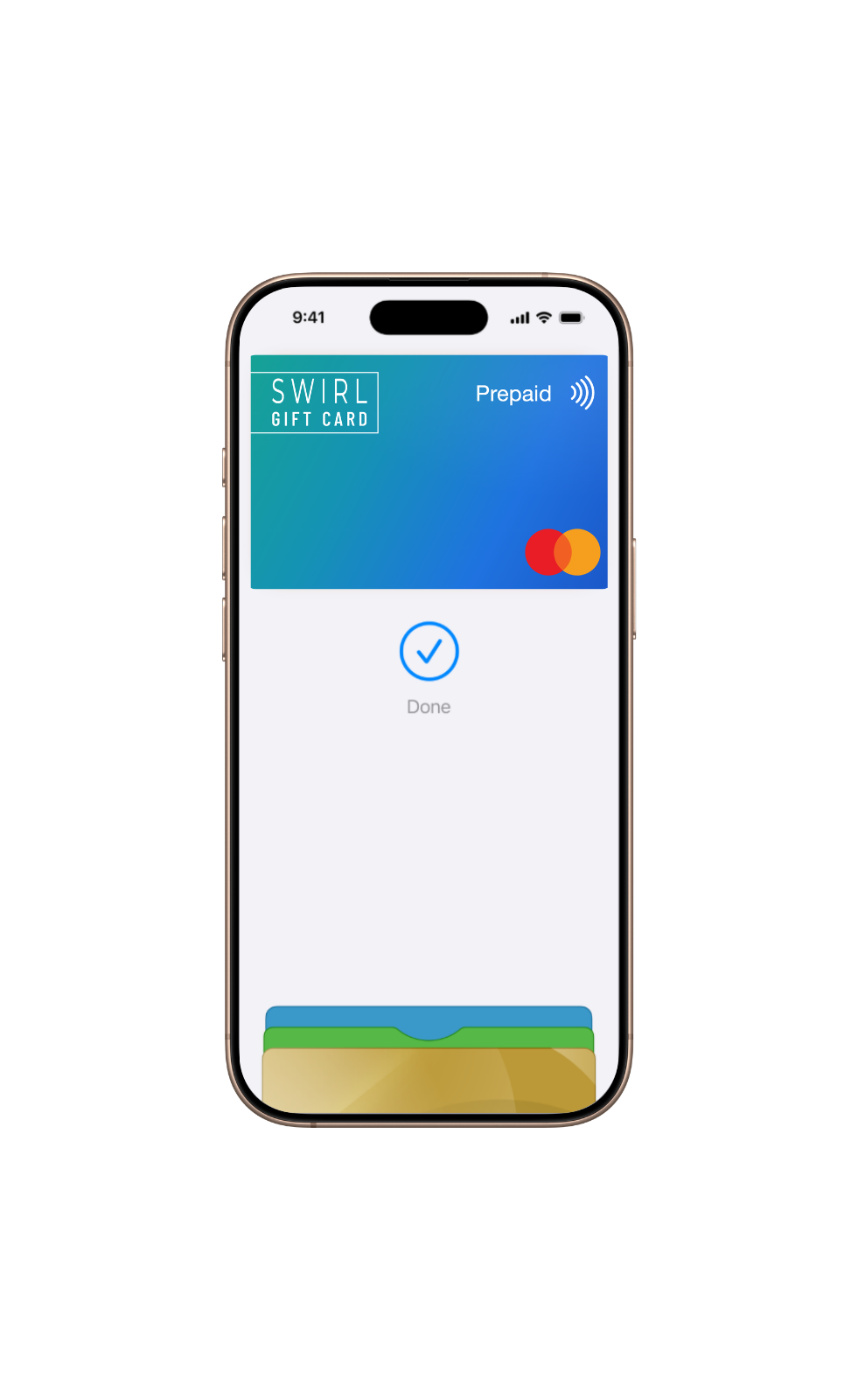
Hold your iPhone near the contactless reader

Step 3

Hold your iPhone near the contactless reader until the payment is complete.

How to Pay with Apple Watch

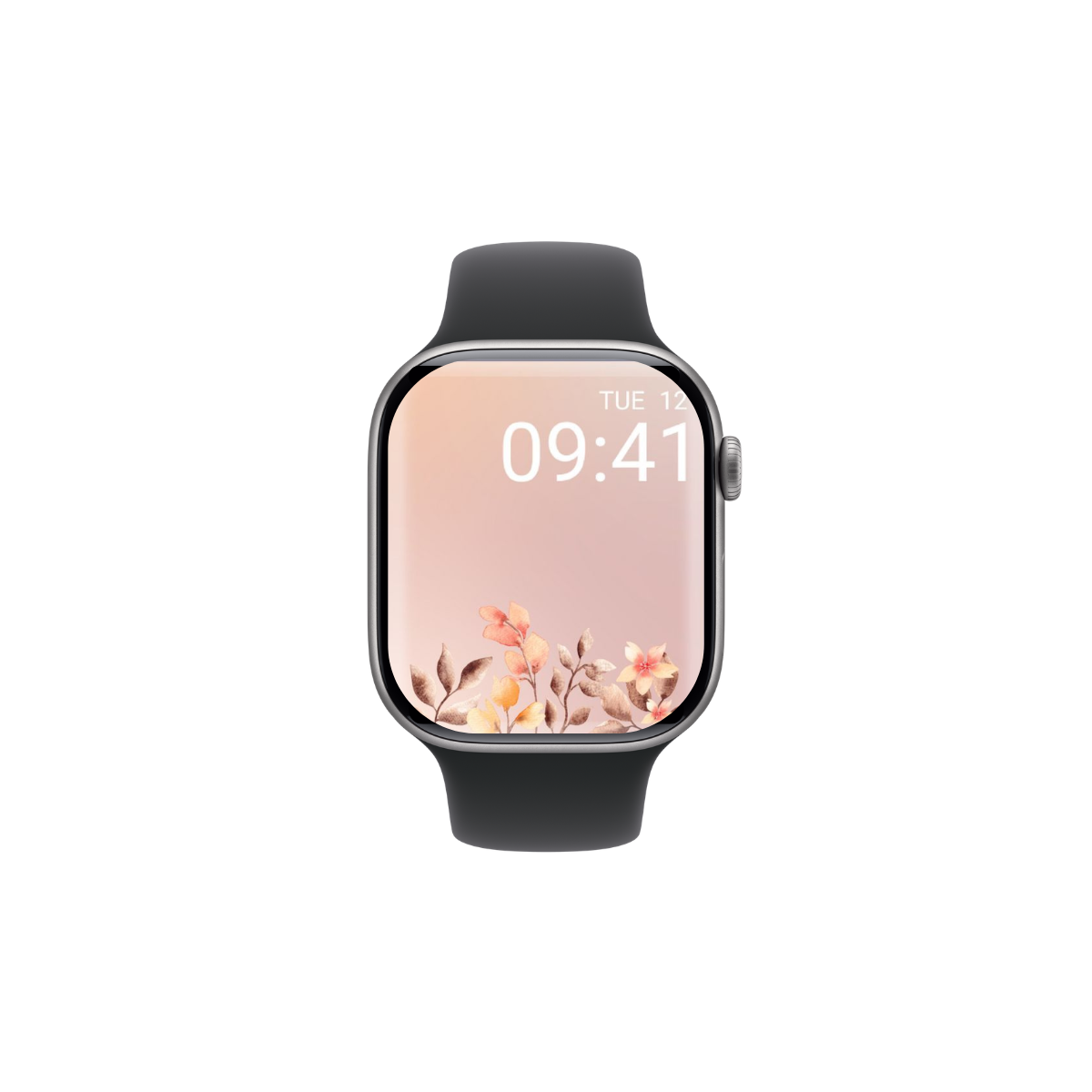
Double-click the side button on your Apple Watch

Step 1

Double-click the side button on your Apple Watch.

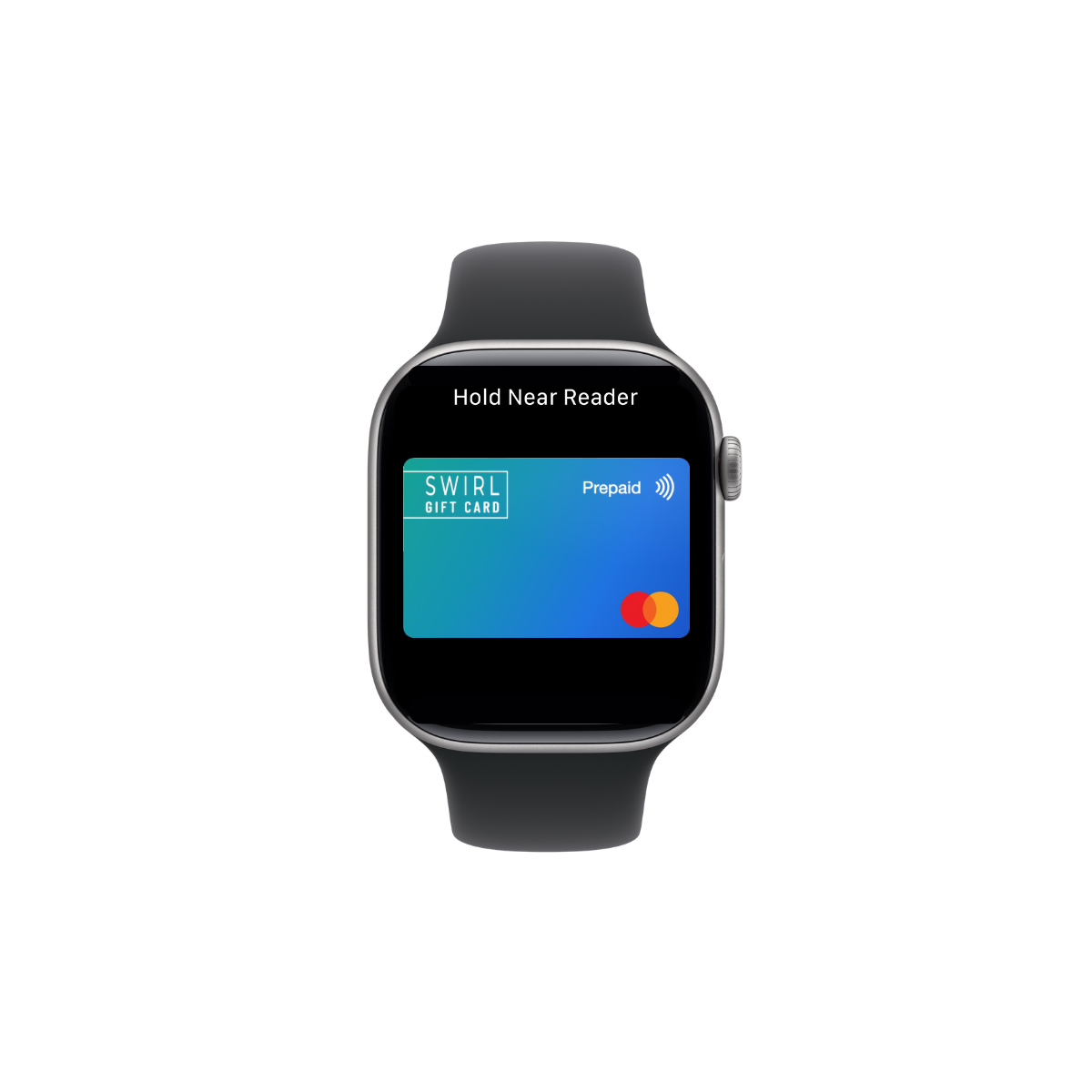
Hold your Apple Watch near the contactless reader

Step 2

Hold your Apple Watch near the contactless reader.

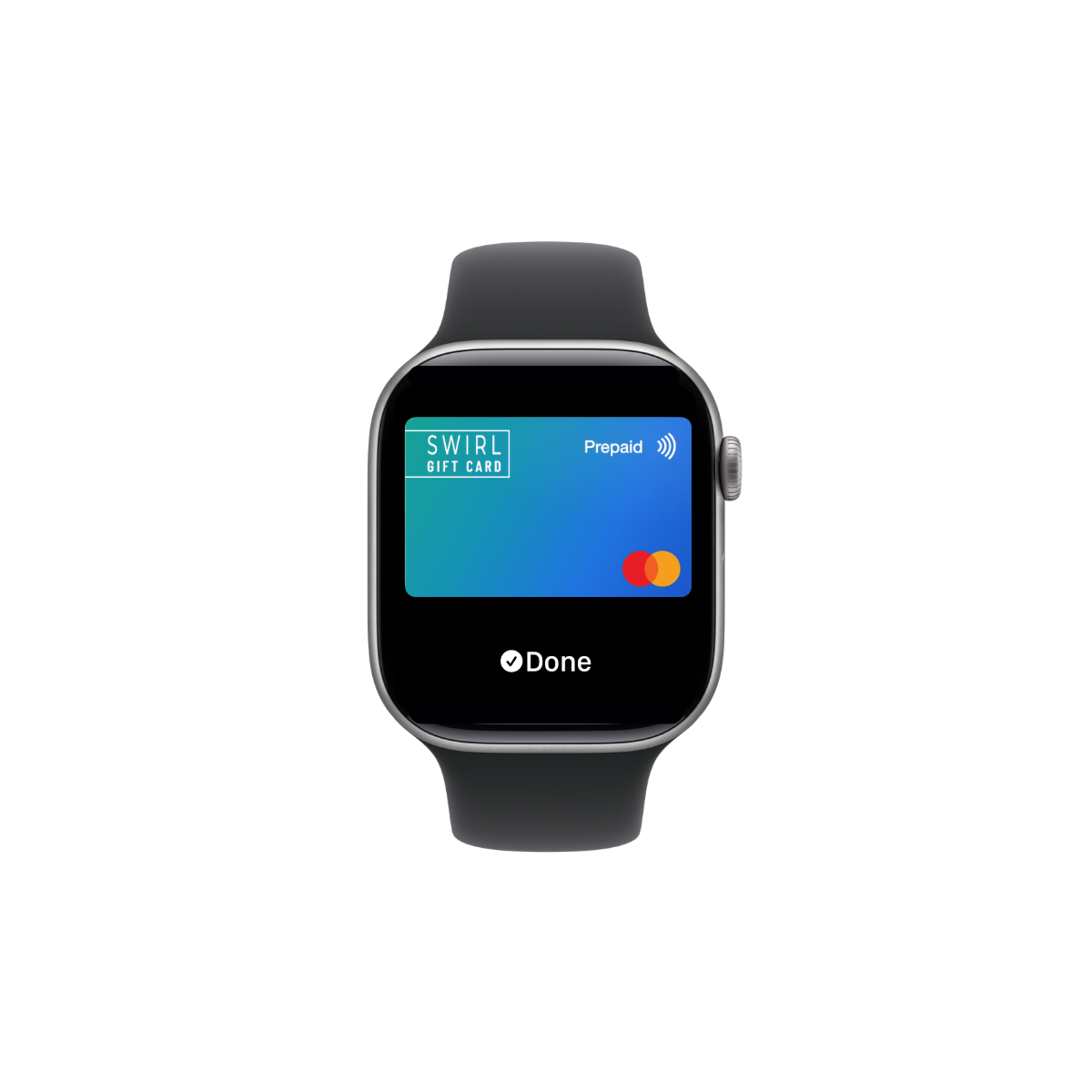
Apple Watch payment completed confirmation

Step 3

Wait for confirmation that the payment has been completed.

Apple Pay FAQs

What is Apple Pay?

Apple Pay is a secure and convenient way to pay using your compatible Apple device. You can use it in-store, online and in apps where Apple Pay is accepted.

Can I add my SWIRL Digital Gift Card to Apple Pay?

Yes. You can add your SWIRL Digital Gift Card to Apple Pay using the Swirl Digital App, then use it with a compatible Apple device.

Is Apple Pay secure?

Yes. Apple Pay uses security features built into your Apple device, such as Face ID, Touch ID and your passcode. Your actual SWIRL card number is not shared by Apple with merchants or stored on Apple servers.

Does Apple Pay cost extra to use?

No. There is no charge to the customer for using Apple Pay. Any applicable card fees are outlined in the SWIRL Card Terms and Conditions.

How do I pay with Apple Pay?

You can pay with Apple Pay in-store, online or in apps where Apple Pay is accepted. Select Apple Pay or hold your device near the contactless reader, then authenticate using Face ID, Touch ID or your passcode.

Can I use Apple Pay online or in apps?

Yes, where Apple Pay is available at checkout. Select Apple Pay, confirm your payment details and authenticate using Face ID, Touch ID or your passcode.

Do I need internet access to pay with Apple Pay?

In-store Apple Pay payments generally do not require mobile data at the point of payment, but you may need internet access to add the card, view balances or manage your account.

What should I do if I lose my iPhone or Apple Watch?

Use Apple’s device security tools, such as Find My, to mark the device as lost or remove cards from Apple Wallet. You should also contact SWIRL support if you are concerned about your card.

Can I remove my SWIRL card from Apple Pay?

Yes. You can remove the card from Apple Wallet on your Apple device. Removing the card from Apple Pay does not close the underlying SWIRL card.